
Play Gray Horizon on your phone
It runs in your phone's browser. There is nothing to download from an app store, and nothing you can do on a computer is missing on a phone.
Add it to your home screen
After that it opens full screen, with its own icon, like any other app.
On Android, in Chrome
- Open play.grayhorizon.world in Chrome.
- Tap the menu, the three dots at the top right.
- Choose Add to Home screen, or Install app if Chrome offers it.
- Tap Install, or Add.
On iPhone, in Safari
- Open play.grayhorizon.world in Safari.
- Tap the Share button. On newer iPhones it can sit behind the three dots.
- Scroll down and choose Add to Home Screen.
- Tap Add.
What changes on a small screen
Only the layout. One of the rules the game is built on says that anything you can do on a computer can be done on a phone, and its screens are built to work at 320 pixels wide.
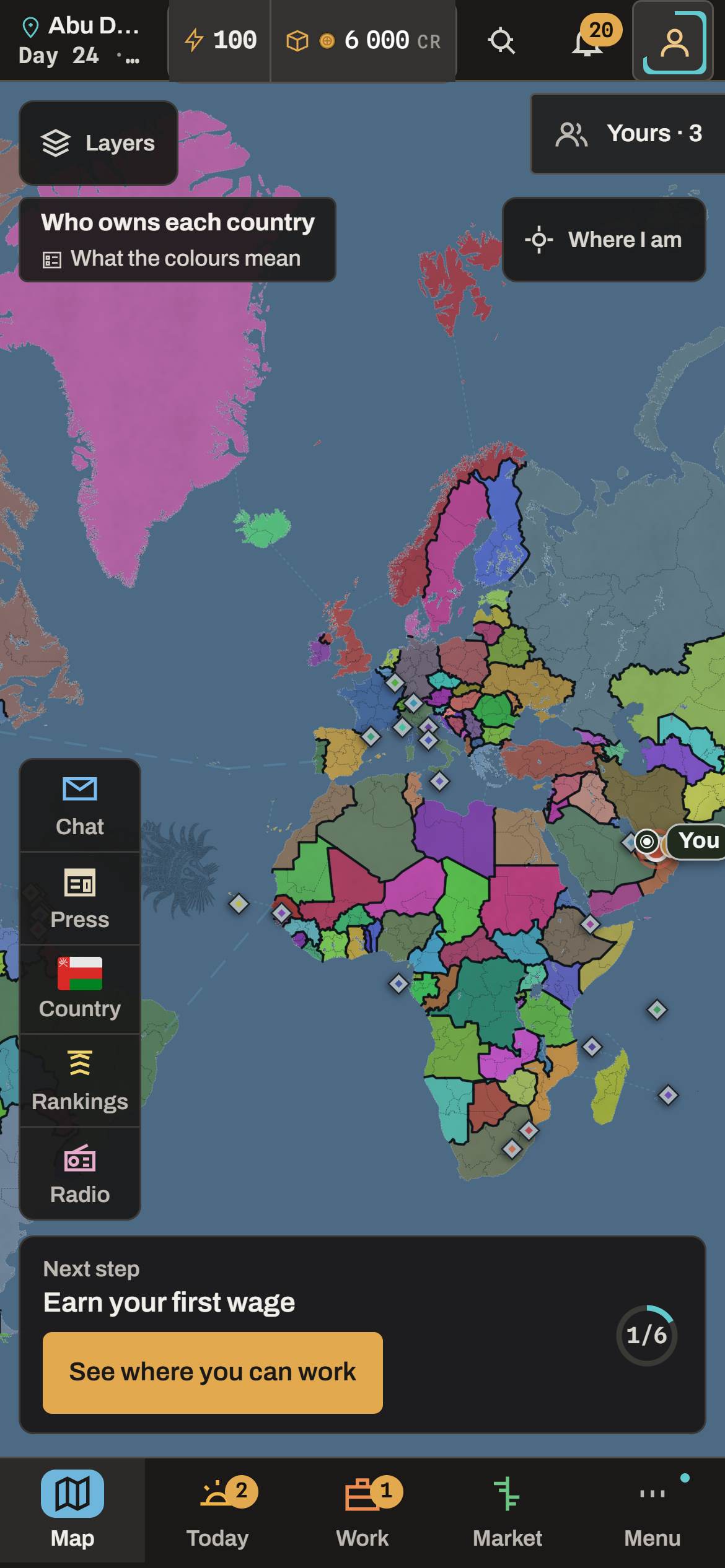
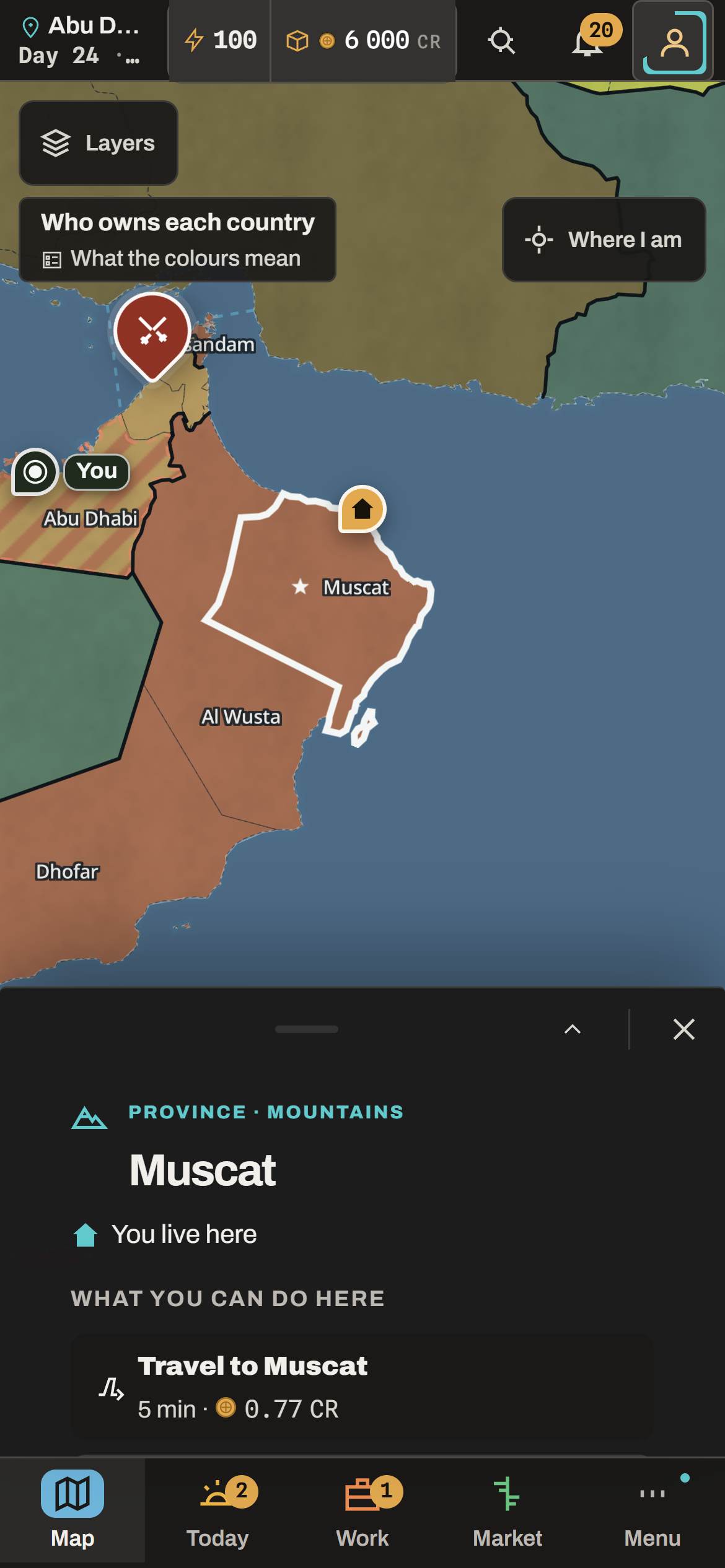
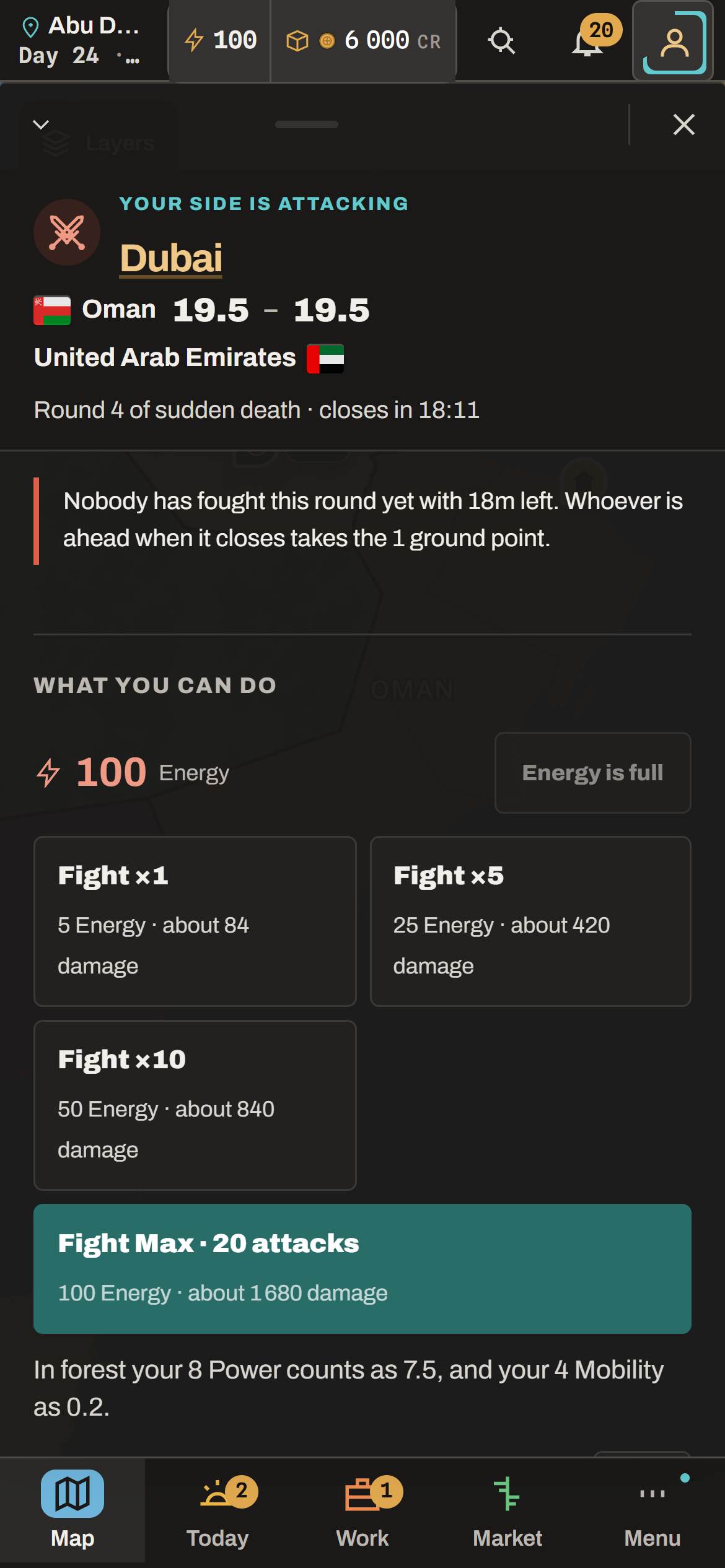
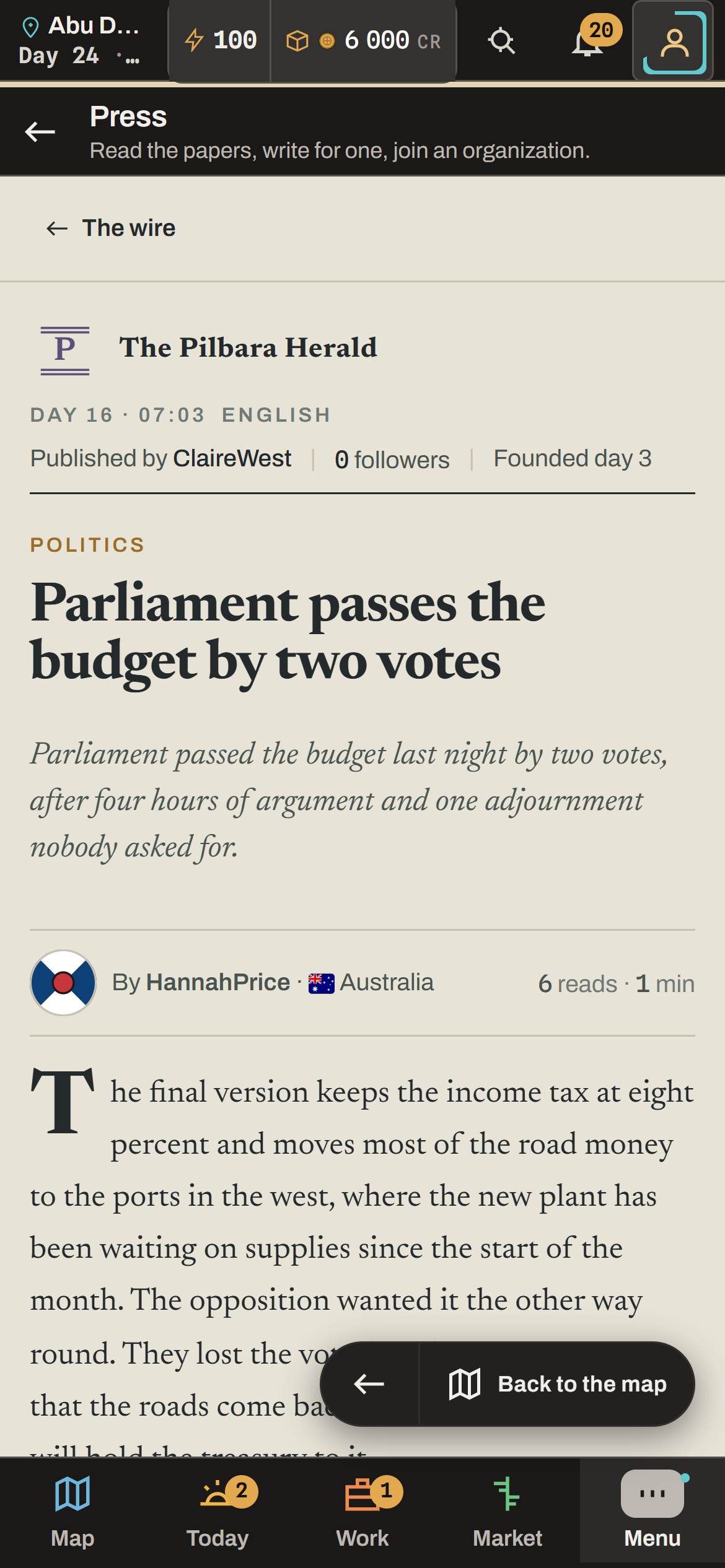
The map fills the screen. Tap a province, a battle or a country and a sheet comes up from the bottom. The things you use most every day sit in the bar under your thumb: Map, Today, Work, Market and Menu.
Questions
Is there a Gray Horizon app?
Not in the app stores, and you don't need one. Open play.grayhorizon.world in your phone's browser and add it to your home screen. After that it opens full screen, with its own icon, like any other app.
Does it work on iPhone?
Yes. Open it in Safari, tap Share, then Add to Home Screen. On newer iPhones, Share can sit behind the three dots next to the address.
Is anything missing on a phone?
No. Anything you can do on a computer, you can do on a phone. The layout changes to fit the screen; what you can do stays the same.
Will it drain my battery or my data?
It loads like any busy web page, and the map is the heaviest part of it. A daily check-in takes a few minutes, and nothing runs in the background once you close it.